 CompassDocs
A K-12 IT helpdesk for school districts and charter schools
A school technology help desk has its own rhythm: a flood of 1:1 device tickets in August, a classroom display that must work before second period, a Wi-Fi outage every teacher reports at once. CompassDocs gives district and charter IT one place for tickets and the guides that prevent them, with Google Workspace or Microsoft 365 sign-in and unlimited staff accounts, on servers you run.
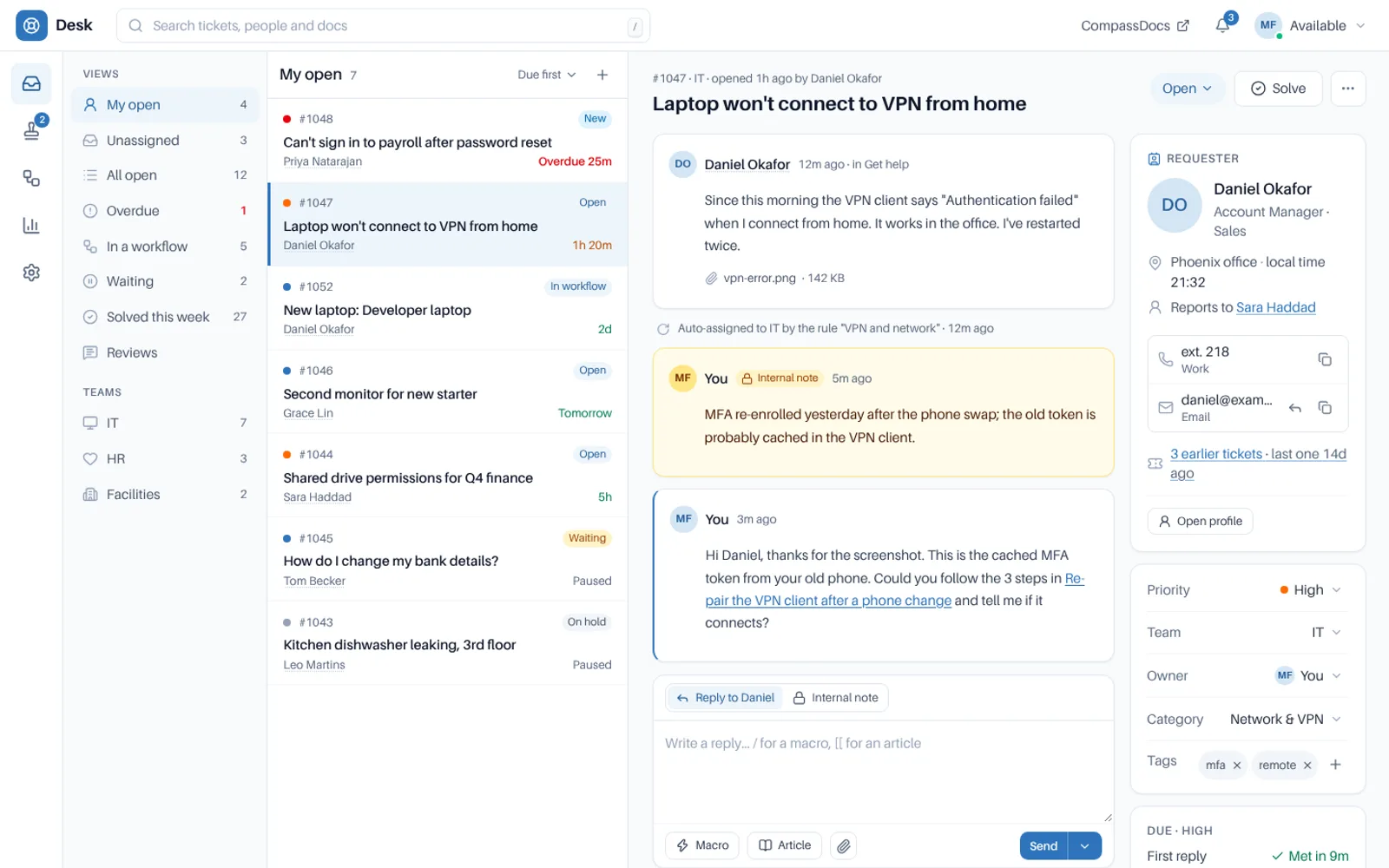
The desk: team queues on the left, the ticket beside the list, and the requester’s details and reply clock alongside.
School IT runs on hallway requests and one shared inbox
Most district technology departments are a few people covering many buildings. The work is predictable in shape and unpredictable in timing.
× “The projector isn’t working” arrives with no room number and no device.
× The first two weeks of school bring hundreds of Chromebook tickets that look the same.
× The guide for connecting to the classroom display exists, in a shared drive nobody searches.
× Wi-Fi goes down at 8:05 and forty teachers raise forty tickets.
→ Every request becomes a ticket with the campus, the room and the device on it, and the answer is one search away.
Device and classroom-tech guides staff can find
The cheapest ticket is the one a teacher never sends. The knowledge base is in every edition, including free Community.
- A Technology space with guides for Chromebooks, staff laptops, classroom displays, printing and the gradebook sign-in
- Ask CompassDocs answers “how do I mirror my screen to the projector?” from your guides with the sources cited; AI answers are optional and use your own Anthropic API key, and keyword search works without one
- Get help suggests those guides before a request is written, only from spaces the person can see
- Report a problem with this page turns an out-of-date guide into a ticket with the details filled in
- Give the back-to-school guides a review cadence so they come due on editors’ dashboards before August
- Knowledge-base analytics show the searches that found nothing, which is your list of guides to write next
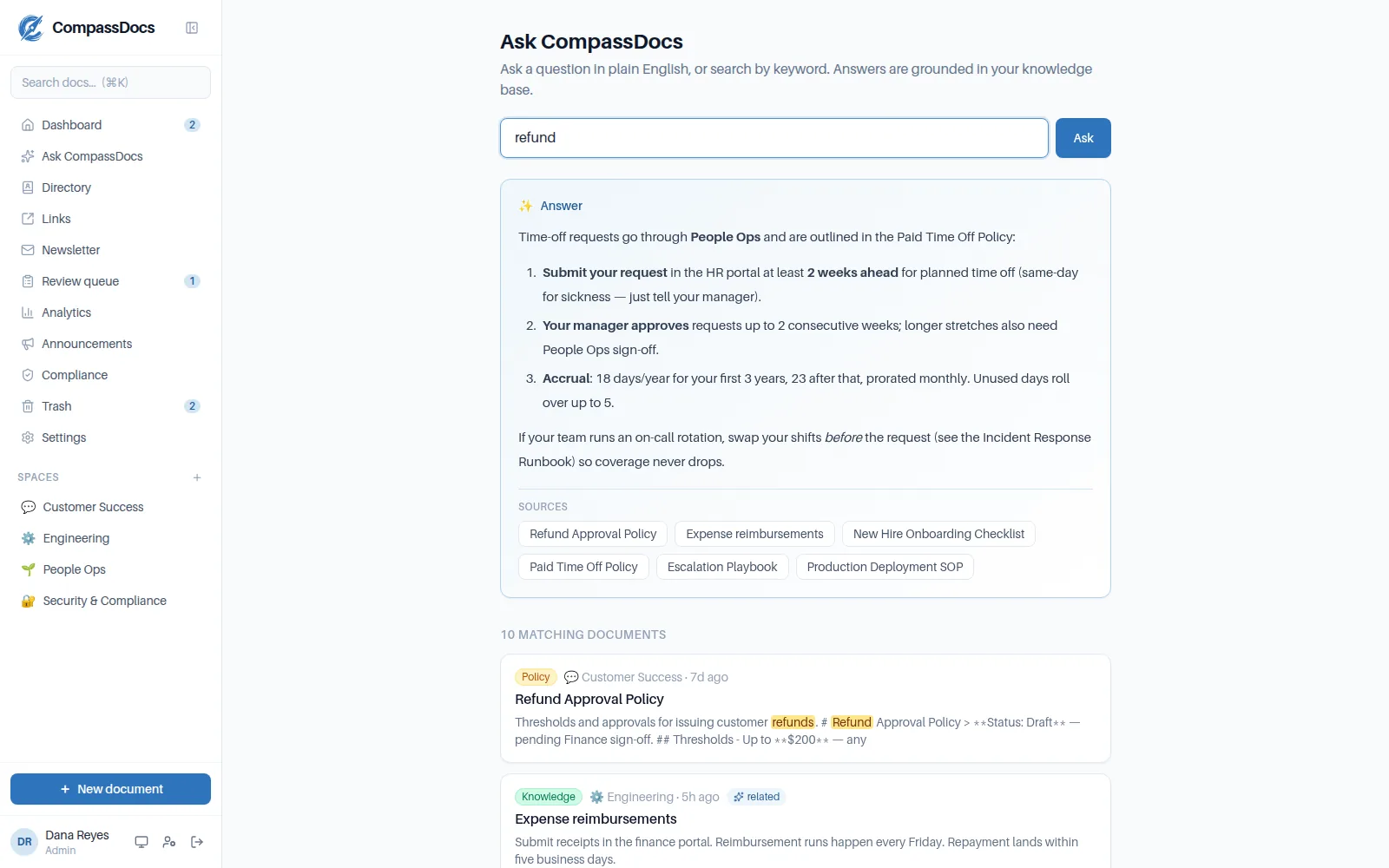
Sign-in and directory from Google Workspace or Microsoft 365
Staff turn over every year, and subs and paras come and go all year. Accounts should follow your identity provider.
- Single sign-on with SAML 2.0 for Google Workspace, or OpenID Connect for Microsoft Entra ID with one-click setup
- Restrict sign-in to your staff email domains, and keep a break-glass admin for the day the identity provider is down
- SCIM from Entra creates and deactivates accounts; a leaver’s sessions are revoked at once
- The people directory syncs from Google Workspace, Microsoft 365 or both; its office field can carry each person’s campus
- Unlimited users in both editions: every teacher, substitute, paraprofessional and front office clerk can have an account
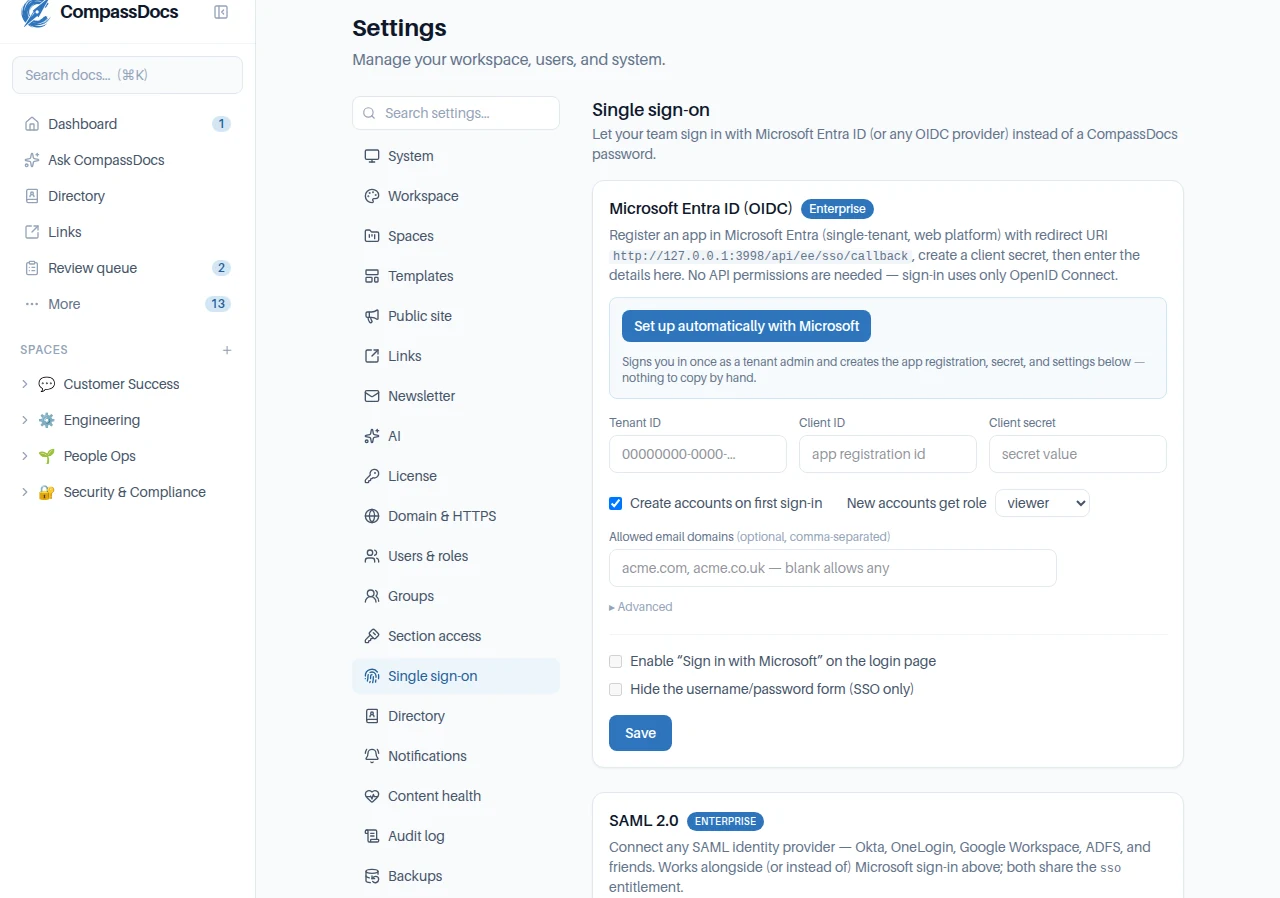
How district IT uses CompassDocs
The jobs a school technology department does every week, the feature that does each one, and how it looks in a district or charter.
| Job | Feature | How it works in a school |
|---|---|---|
| Take requests from every classroom | Get help | Teachers search the guides first, then pick a request type and follow it on a tracker |
| Ask for the room and the device up front | Request types & forms | Chromebook repair asks for the asset tag and room; classroom display asks which room |
| Send each campus to its technician | Assignment rules | Match the requester’s office (campus) from the directory and assign that campus’s tech |
| Run new-staff and app-access requests | Workflows & approvals | A principal approves a software request; account and device tasks run in parallel for a new hire |
| Know which device it is | Assets | Snipe-IT or Intune devices on the ticket, with warranty, compliance and earlier tickets |
| Handle the outage at 8:05 | Major incidents | One incident, one update to everyone affected, a Get help banner with Me too |
| Keep summer and break work on schedule | Recurring tickets | Monthly backup checks and summer reimaging per campus, each with a checklist |
| Sort tickets without reading each one | Automations | Tickets mentioning “projector” go to classroom technology |
| Answer from a help address | Mail to your tech help address becomes tickets; Microsoft 365 mailboxes are read directly | |
| Meet staff where they already chat | Teams & Slack | Raise, follow and approve requests by messaging the CompassDocs app |
| Write the device and classroom-tech guides | Spaces and Ask CompassDocs | Staff ask “how do I connect to the projector in room 114?” and get a cited answer |
| Show the cabinet the numbers | Reports & export | Backlog and resolution time in business hours, by campus, emailed weekly |
| Sign everyone in and keep the directory current | SSO & SCIM and directory sync | Google Workspace or Entra sign-in; the directory fills from Google Workspace, Microsoft 365 or both |
A school year at the tech desk
August: the 1:1 rollout
The Chromebook repair form asks for the asset tag, the room and what happened. An automation tags tickets that mention “charger” or “screen”, Get help suggests the top five fixes first, and the Overview dashboard shows the backlog by campus each morning.
The first week of August: 40 new teachers
HR’s new-staff request starts a workflow: an account task for IT, a laptop task for the campus tech with the asset tag handed on, and a wait until the start date. See school HR for the HR side.
8:05 on a Monday: Wi-Fi is down
The network lead declares a major incident from the first ticket, with “wifi” as a word that links new tickets. One update reaches every teacher who reported it, and Me too counts the rest.
Every month, and every summer
Recurring tickets open the monthly backup restore test and a summer reimaging ticket per campus, each with a required checklist. Winter and spring break sit in a holiday set, so runs move to the next working day.
Testing window
Before state testing, a request type for testing-room device checks puts each room on the desk’s calendar with setup time, and the ticket can’t be solved until setup is marked complete.
Budget season
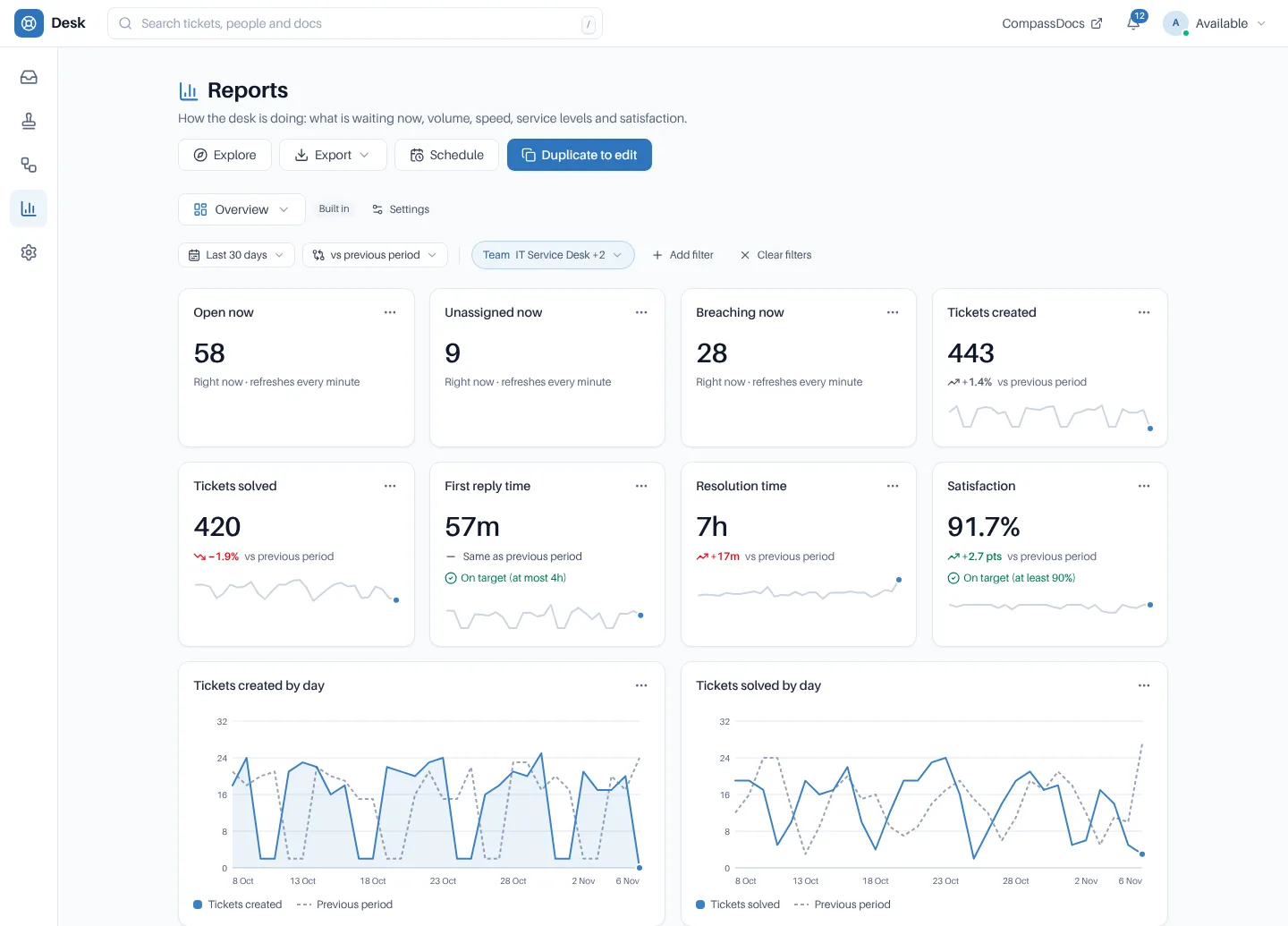
The CTO shares a dashboard with the cabinet: tickets by campus and category, resolution time and time logged per request type, exported as CSV for the business office.
Public districts and charter schools run IT differently
The same desk works for both; what changes is how many people work tickets and how campuses are split.
Public school districts
A central technology department with campus technicians and a network team. Give each its own desk team, route by the campus in the directory, and let Managers see every team while agents see their own. More in K-12 school districts.
Single-site charter schools
IT is often one person, or an operations manager who also does IT. The 3 agents Enterprise includes may be all you need, and the Community knowledge base is free if you start with guides alone.
Charter networks and CMOs
A network IT team serves several schools. Give each school a campus value for routing, a private space where its procedures differ, and network-wide guides everyone shares. See charter schools.
What it costs a school IT department
The knowledge base is free in the Community edition, open source under AGPL-3.0, with unlimited users. The helpdesk is part of Enterprise: $499.99 a year per install with unlimited users and 3 agents included. Each extra agent is $125 a year, and people who only raise requests never count as agents.
- A single-site charter with one or two people working tickets: $499.99 a year
- A district with eight technicians on the desk: $499.99 plus five extra agents at $125, or $1,124.99 a year at list price
- Education discounts are available: ask us. Your first Enterprise purchase has a 30-day money-back guarantee
Keeping records, not promising compliance
CompassDocs is built for staff. It is not a student information system, an LMS or a content filter, and it sits beside those systems rather than replacing them. Self-hosting keeps tickets, attachments and documents in a PostgreSQL database on infrastructure your district or network controls,.
It keeps records that help when someone asks: an append-only audit log of sign-ins, role changes and setting changes, audited ticket exports, and, with read confirmations, which version of the staff technology acceptable use policy each person confirmed. We don’t claim CompassDocs makes you compliant with FERPA, CIPA or any state student-privacy law. Keep student records out of tickets where you can, and meeting those obligations remains your district’s responsibility.
When another tool fits better
If you need a full asset register or CMDB with purchasing and depreciation, keep that in a dedicated tool: CompassDocs shows Snipe-IT and Intune devices on tickets but doesn’t replace them, and it does not read the Google Admin console, so Chromebooks appear on tickets only if Snipe-IT tracks them. Chat requests work in Microsoft Teams and Slack, not Google Chat. If your district has standardized on an ITSM suite across departments, or wants a help desk for students and families, that may suit you better. And CompassDocs Cloud isn’t open yet, so today you need a server to self-host it.
Set up faster with Claude
CompassDocs is built for MCP, so Claude can do the first draft of your rollout while your team reviews and publishes. When you start, we walk you through it.
Bring your content in
Paste or attach the procedures and policies you already have, and Claude redrafts each one in your templates, screenshots included.
Draft the handbook and training
Claude assembles a draft handbook from your policies and, with Enterprise, turns procedures into training decks with quiz questions.
Configure the helpdesk as drafts
Request types, forms, workflows, macros and recurring tickets are drafted for an admin to review and publish. Nothing goes live on its own.
See everything Claude can do through MCP and the step-by-step rollout.
Frequently asked
Can teachers sign in with their Google Workspace or Microsoft 365 account?
Yes, with Enterprise single sign-on: SAML 2.0 for Google Workspace, or OpenID Connect for Microsoft Entra ID with one-click setup. You can restrict sign-in to your district’s email domains, and with SCIM from Entra, accounts are created and deactivated for you.
Do substitutes, paraprofessionals and front office staff need paid seats?
No. Both editions have unlimited users, and anyone can raise a request in Get help. Only the active people on the desk’s Agents list count: Enterprise includes 3 agents, and each extra agent is $125 a year.
Can the helpdesk show which Chromebook or laptop a ticket is about?
Yes, if you track devices in Snipe-IT or Microsoft Intune. Agents see the requester’s devices, warranty and compliance on the ticket, and solving can log a maintenance record in Snipe-IT. CompassDocs does not read the Google Admin console, and it isn’t an asset register.
Can tickets for each campus go to that campus’s technician?
Yes. Assignment rules can match on the requester’s office from the directory, and workflows can route a task by office with a fallback team. Put the campus in the office field and tickets find the right technician.
What happens when the Wi-Fi or a sign-in service goes down for everyone?
Declare a major incident. Related tickets link under one ticket, one update reaches everyone affected, Get help shows a banner with a Me too button, and you solve the linked tickets together when the service is back.
Is CompassDocs a student information system or a student helpdesk?
No. It is built for staff: documentation, policies and an internal helpdesk. It sits beside your SIS and LMS and does not replace either.
Is there an education discount?
Yes. Nonprofit and education discounts on Enterprise are available on request, and they apply to extra helpdesk agents too. The Community edition is free for any school, with unlimited users.
Related: K-12 school districts · Charter schools · School facilities · School HR · School business office · Curriculum & instruction · Education · IT helpdesk software · Helpdesk
A school tech desk on your own servers
Self-host the open-source knowledge base free with one Docker command. Enterprise adds the helpdesk, SSO and directory sync for $499.99/year with unlimited users and 3 agents included, with education discounts on request.
Self-host free See pricingBuying for a district? Get a formal quote to print for approval, or order by invoice with your PO number.