 CompassDocs
Free knowledge base software for nonprofits
Nonprofits run on people who come and go: volunteers, part-time staff, trustees and board members. CompassDocs Community is free, open-source knowledge base software for nonprofits with unlimited users and documents, so every volunteer can have an account without a per-seat bill, and your handbooks, guides and policies live in one searchable place.
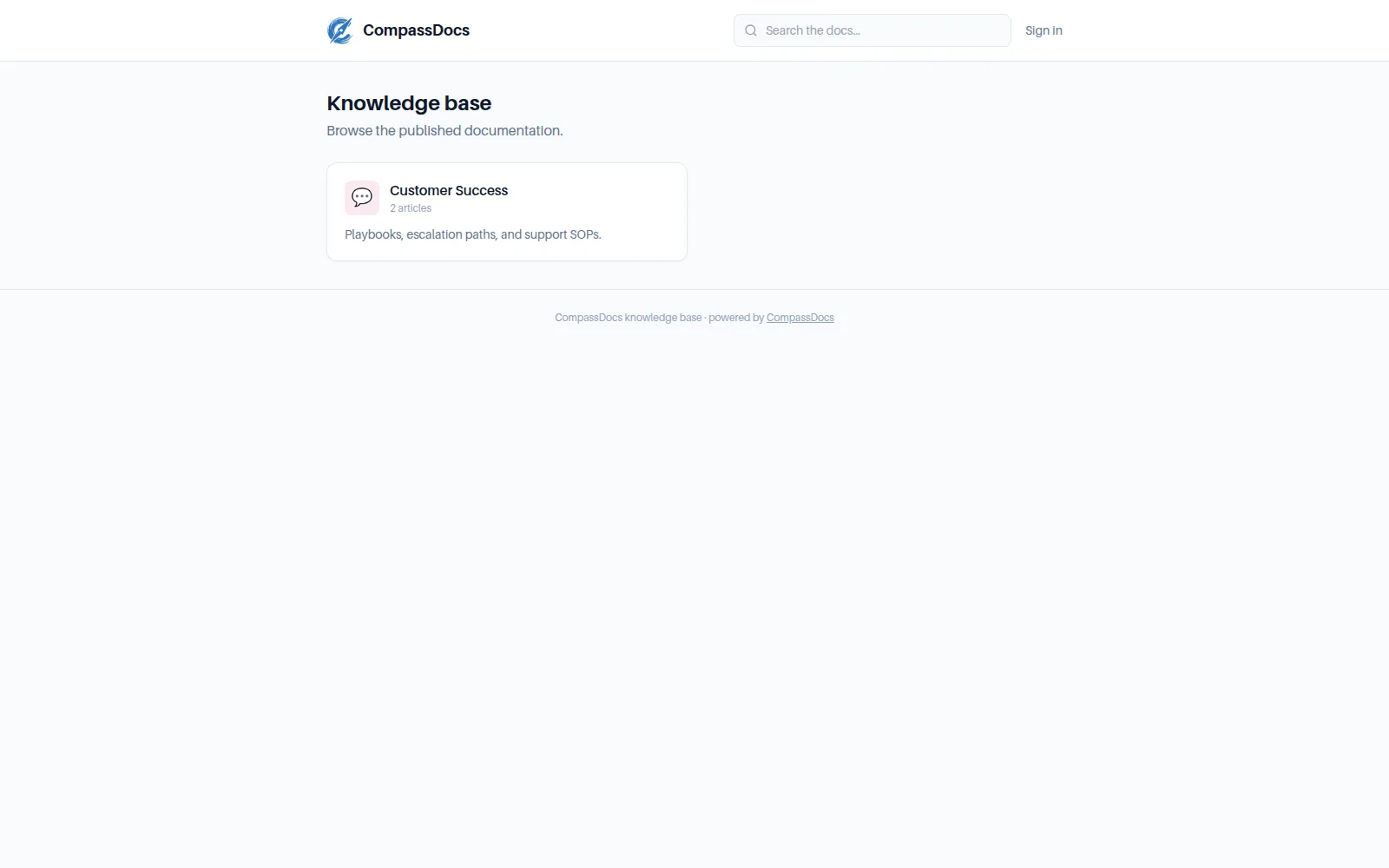
Mark a space public and its published guides are readable by anyone, with no account, while everything else stays behind sign-in.
Free knowledge base software for nonprofits: what Community includes
The Community edition is the full knowledge base, not a trial:
- Unlimited users and documents, self-hosted, open source under AGPL-3.0
- A rich editor with templates, tables, checklists and diagrams, plus a Markdown mode
- Spaces, private spaces and groups, roles and an approval workflow
- Version history for every document, and an audit log
- Policy handbooks: read policies as one numbered book and print a copy with an acknowledgement page
- Announcements and a branded email newsletter with an approval step
- A public site for chosen spaces, and notifications to Teams, Slack, Webex or email
- Search, with optional AI answers on your own Anthropic API key; keyword search is free
- Backups, your own domain and HTTPS
Unlimited volunteers
There is no per-user price in either edition, so seasonal volunteers and one-day helpers can sign in like everyone else.
Your data, your server
Documents live in a PostgreSQL database you control. Export the whole knowledge base as Markdown at any time.
Volunteer onboarding and handbooks
The documents that get a new volunteer from their first shift to their fifth, kept in one place and easy to find.
A volunteer handbook
Gather your code of conduct, safeguarding, expenses and health and safety policies into one numbered handbook. Print it with an acknowledgement page for volunteers to sign.
Onboarding guides
Write role guides with click-to-tick checklists, callouts and photos, and start from a template so every role guide has the same shape.
Quick links
Curated shortcuts to the other tools your people use, such as the rota or the donor database, with site icons, featured for everyone or pinned to each person’s dashboard.
Who to ask
A built-in people directory with titles, departments and contact details, and AI answers that can tell you who runs what.
Announcements and newsletters
Post an announcement to every dashboard, optionally by email and chat, or send a branded newsletter that an approver signs off first.
A public site
Share chosen spaces with the world, such as a volunteer FAQ or your public policies, with no accounts needed and search-engine indexing under your control.
Community or Enterprise?
Most nonprofits start free. Enterprise adds tracked sign-off, training, sign-in with your identity provider and a helpdesk.
| Need | Community (free) | Enterprise |
|---|---|---|
| Handbooks, guides and policies | Included, with print and acknowledgement page | Included |
| Track who has confirmed each policy | Paper sign-off on the printed copy | Read confirmations with due dates, reminders and a compliance portal |
| Volunteer training | Guides and checklists | Training decks with quizzes, onboarding programs and completion tracking |
| Sign-in | Accounts with two-factor auth | Single sign-on (SAML 2.0, OIDC), SCIM, Microsoft 365 and Google Workspace directory sync |
| Internal helpdesk | — | IT, HR and Facilities desk with 3 agents included |
| Price | $0, unlimited users | $499.99 a year per install, unlimited users; nonprofit discounts on request |
Prices in USD. Nonprofit and education discounts on Enterprise are available on request and apply to extra helpdesk agents too.
Running CompassDocs on a nonprofit budget
CompassDocs is self-hosted, so someone needs to look after a small server. Here is what that involves.
Pick a machine
Any Linux host with Docker, macOS or Windows via Docker Desktop, or ARM64 hardware such as a Raspberry Pi 4 or 5. Or run it with Node.js 20+ and PostgreSQL 14+.
Run one command
The installer starts CompassDocs and PostgreSQL and generates strong passwords; a setup wizard creates your admin account in the browser.
Set up backups
Schedule full-database backups with retention from the admin console, mirrored off-site to S3, R2, MinIO or Azure, with one-click restore.
Keep it current
Updating is a container pull and restart; the app migrates its own schema, and the console tells you when a release ships.
$ curl -fsSL https://raw.githubusercontent.com/Felix-AZ-Solutions-LLC/CompassDocs/main/install.sh | bash
  ✓ Fetched docker-compose.yml
  ✓ Generated .env with fresh secrets
  ▲ CompassDocs running at http://localhost:3000
  → open the URL to create your admin account
Requirements and the full install guide are on the self-hosting page →
When CompassDocs isn’t the right fit
Be honest about what you need before you move your documents:
Nobody can run a server
CompassDocs Cloud isn’t open yet; it’s coming soon. Today, using CompassDocs means someone looks after Docker, backups and updates.
You need volunteer scheduling
CompassDocs holds your guides and policies. Rotas, shift sign-up and donor management belong in tools built for them; link to them from quick links.
You need tracked sign-off for free
Digital confirmations and training tracking are Enterprise features. In Community, the printed handbook’s acknowledgement page is the sign-off.
Set up faster with Claude
CompassDocs is built for MCP, so Claude can do the first draft of your rollout while your team reviews and publishes. When you start, we walk you through it.
Bring your content in
Paste or attach the procedures and policies you already have, and Claude redrafts each one in your templates, screenshots included.
Draft the handbook and training
Claude assembles a draft handbook from your policies and, with Enterprise, turns procedures into training decks with quiz questions.
Configure the helpdesk as drafts
Request types, forms, workflows, macros and recurring tickets are drafted for an admin to review and publish. Nothing goes live on its own.
See everything Claude can do through MCP and the step-by-step rollout.
Frequently asked
Is CompassDocs really free for nonprofits?
Yes. The Community edition is free and open source under the AGPL-3.0, with unlimited users and documents, for any organization. You run it on your own server.
Is there a nonprofit discount on Enterprise?
Yes. Nonprofit and education discounts are available on request, and they apply to extra helpdesk agents too. Enterprise is otherwise $499.99 a year per install with unlimited users.
Can volunteers sign off on a handbook without Enterprise?
On paper, yes: a printed handbook ends with an acknowledgement page to sign. Digital confirmations with due dates, reminders and records are part of Enterprise read confirmations.
Do we need our own server?
Yes, for now. CompassDocs installs with one Docker command on a Linux host, and runs on ARM64 hardware too. CompassDocs Cloud, the managed option, is coming soon.
Can we share our volunteer guide publicly?
Yes. Mark a space public and its published documents are served on a clean, read-only site with no account needed. Drafts are never public, and search-engine indexing is your call.
Related: Policy handbooks · Public site · Employee handbook · Onboarding checklist template · Announcements & newsletter · Pricing
Free for your whole team, volunteers included
One Docker command installs CompassDocs with unlimited users and documents. Add Enterprise later for read confirmations, training and the helpdesk, with nonprofit discounts on request.
Self-host it free See pricingBuying for a team? Get a formal quote to print for approval, or order by invoice with your PO number.