 CompassDocs
Free incident postmortem template
A blameless incident postmortem template that turns a bad day into specific, owned improvements: summary, impact, timeline, detection, response, root cause and contributing factors, what went well and poorly, and action items with owners and dates. Read the full template below, then download it as Markdown.
What this incident postmortem template is for
A postmortem (also called a post-incident review or incident retrospective) is a written review of an incident after it is resolved. Its job is to explain what happened, why the system allowed it, and what will change so it doesn’t happen again, or hurts less if it does. The output that matters most is a short list of specific action items, each with an owner and a due date.
This free incident postmortem template is written to be blameless. It asks what conditions made the failure possible and what slowed the response, not who made a mistake. People who fear blame leave out the details that explain an incident; a blameless format is how you get those details on the page.
When to use a postmortem template
- After every high-severity incident, for example anything you classed SEV1 or SEV2, or anything that triggered an outage update to staff or customers.
- After a near miss that could have been serious. Near misses are the cheapest lessons you will get.
- When the same problem keeps coming back. A recurring ticket is a sign the root cause was never written down.
- When a commitment was affected, such as an SLA, a contract or a notification obligation, and you need a clear record of what happened.
The postmortem points backwards; the runbook points forwards. Most good postmortems end with at least one runbook to create or update.
The full incident postmortem template
Everything in [square brackets] is a placeholder. Keep the blameless note at the top.
Front matter: title: "Postmortem: [Incident title] ([YYYY-MM-DD])" · tags: [postmortem, incident]
Postmortem: [Incident title]
This is a blameless review. We describe what happened and why the system allowed it, not who to blame. Replace everything in [square brackets].
| Field | Value |
|---|---|
| Incident ID | [e.g. INC-1060] |
| Date | [YYYY-MM-DD] |
| Severity | [SEV1 / SEV2 / SEV3] |
| Duration | [Start time to resolved time, with time zone] |
| Incident lead | [Name] |
| Postmortem author | [Name] |
| Status | [Draft / In review / Final] |
1. Summary
[Three to five sentences a non-technical reader can follow: what broke, who was affected, how long it lasted, and how it was fixed.]
2. Impact
| Measure | Value |
|---|---|
| Users or customers affected | [Number or estimate, and who] |
| Services affected | [List] |
| Duration of impact | [hh:mm] |
| Tickets or reports received | [Number] |
| Data loss | [None / describe] |
| Commitments affected | [SLA, contract or regulatory notification, if any] |
3. Timeline
All times in [time zone].
| Time | Event |
|---|---|
| [hh:mm] | [Change, deploy or trigger that started it] |
| [hh:mm] | [First alert or first user report] |
| [hh:mm] | [Incident declared, lead assigned] |
| [hh:mm] | [Key diagnosis step or wrong turn] |
| [hh:mm] | [Mitigation applied] |
| [hh:mm] | [Service confirmed healthy, incident resolved] |
4. Detection
- How did we find out? [Alert / user report / vendor notice]
- Time from start to detection: [minutes]
- Could we have detected it sooner? [How]
5. Response and recovery
- What did we do to mitigate? [Steps, with links to the runbook used]
- What slowed us down? [Missing access, unclear runbook, noisy alerts]
- Time from detection to mitigation: [minutes]
6. Root cause and contributing factors
- Root cause: [The underlying condition that made the failure possible]
- Trigger: [The event that set it off]
- Contributing factors: [Other conditions that made it worse or longer]
Five whys (optional):
- Why did [symptom] happen? Because [answer].
- Why did [answer] happen? Because [answer].
- Why? Because [answer].
- Why? Because [answer].
- Why? Because [answer].
7. What went well
- [Something that worked and should be kept]
8. What went poorly
- [Something that made the incident worse or longer]
9. Where we got lucky
- [Something that helped by chance and can’t be relied on next time]
10. Action items
| Action | Type | Owner | Due | Ticket |
|---|---|---|---|---|
| [Specific, testable action] | [Prevent / Detect / Mitigate / Process] | [Name] | [YYYY-MM-DD] | [ID] |
| [Specific, testable action] | [Prevent / Detect / Mitigate / Process] | [Name] | [YYYY-MM-DD] | [ID] |
11. Lessons and follow-up
- [What we learned that applies beyond this incident]
- Runbooks to update: [links]
- Review meeting: [date, attendees]
Supporting information
- [Links to dashboards, logs, the incident ticket, chat transcript and status updates]
Tips for filling in the postmortem template
- Start the timeline while it’s fresh. Pull timestamps from alerts, chat and tickets within a day or two. Memory fades fast and reorders events.
- Write the summary for someone outside the team. Three to five sentences, no jargon. Leadership and other teams will read only this part.
- Separate trigger from root cause. The deploy that set it off is the trigger. The missing check that let a bad deploy through is closer to the cause.
- Use system language, not people language. “The deploy pipeline allowed an unreviewed config change”, not “Alex pushed a bad config”.
- Keep action items few and testable. “Add an alert when queue depth exceeds 10,000 for 5 minutes” can be checked. “Improve monitoring” can’t. Three done actions beat ten open ones.
- Track actions where work is tracked. Put each action in your ticket system and link it from the table, then check them in the review meeting.
- Include “where we got lucky”. It surfaces the risks that didn’t bite this time but will next time.
Keep postmortems next to the runbooks they change
A postmortem is most useful in the same place as the runbooks, SOPs and architecture docs it refers to. CompassDocs imports this file as front-matter Markdown and ships its own postmortem template.
- Import it as front-matter Markdown, or start from the built-in postmortem template
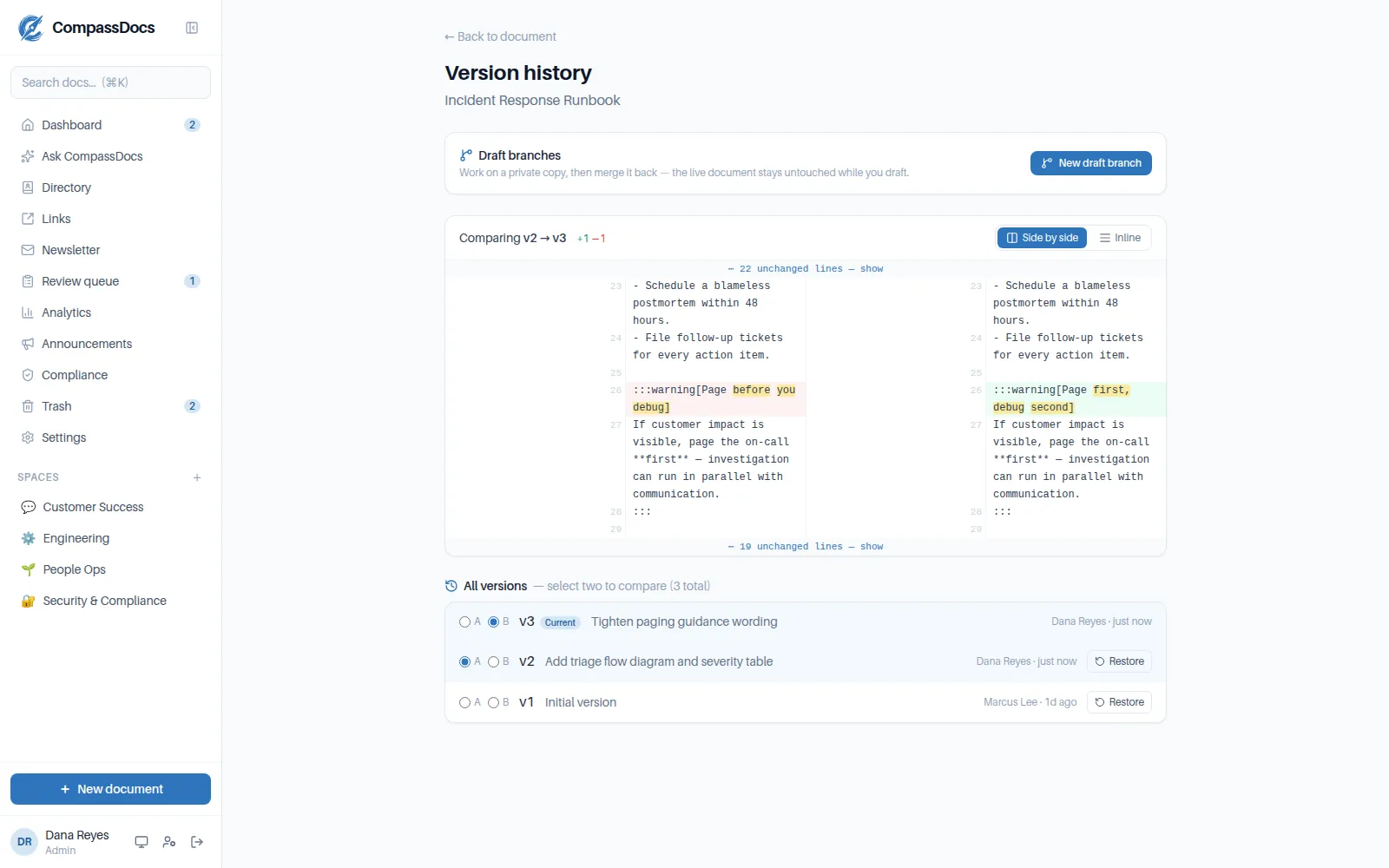
- Link the postmortem to the runbooks it changes; version history shows exactly what changed in each
- Draft, review and approve before publishing, if your team signs off postmortems
- Mermaid diagrams for timelines and architecture, right in the document
- With the Enterprise helpdesk, a major incident keeps one ticket, one update stream and every linked ticket together, a ready-made source for your timeline
Frequently asked
What is a blameless postmortem?
A review that focuses on how the system, process and tools allowed an incident to happen, rather than on who made a mistake. It assumes people acted reasonably with the information they had, which makes them more willing to share the details that explain the incident.
When should we write a postmortem?
After every high-severity incident, after near misses that could have been serious, and when the same problem keeps recurring. Start within a day or two while the details are fresh, and hold a short review meeting within a week or two.
Who should write the postmortem?
Usually the incident lead or someone close to the response, with input from everyone involved. The author’s job is to gather facts and draft; the review meeting is where the team agrees on causes and actions.
What makes a good action item?
It is specific, testable, owned by one person, has a due date and is tracked in your normal ticket system. Classify each as preventing, detecting or mitigating the problem, or as a process change.
Can I import this postmortem template into CompassDocs?
Yes. CompassDocs imports and exports front-matter Markdown, and it also includes a built-in postmortem template you can start from.
Related: IT runbooks · Major incidents · Version history · IT runbook template · How to write a runbook
Learn from incidents, in your own knowledge base
Self-host CompassDocs with one Docker command and keep postmortems, runbooks and diagrams together. Enterprise adds the helpdesk with major incidents (3 agents included) from $499.99/year with unlimited users.
Self-host free See pricingBuying for a team? Get a quote · More free templates