 CompassDocs
The right notice, in the right place, as often as people want
Admins set a workspace policy for every event and channel, and decide what people may change. Everyone else gets one page to choose the bell, email or chat per event, gather email into a digest, set quiet hours or pause everything except security. In every edition.
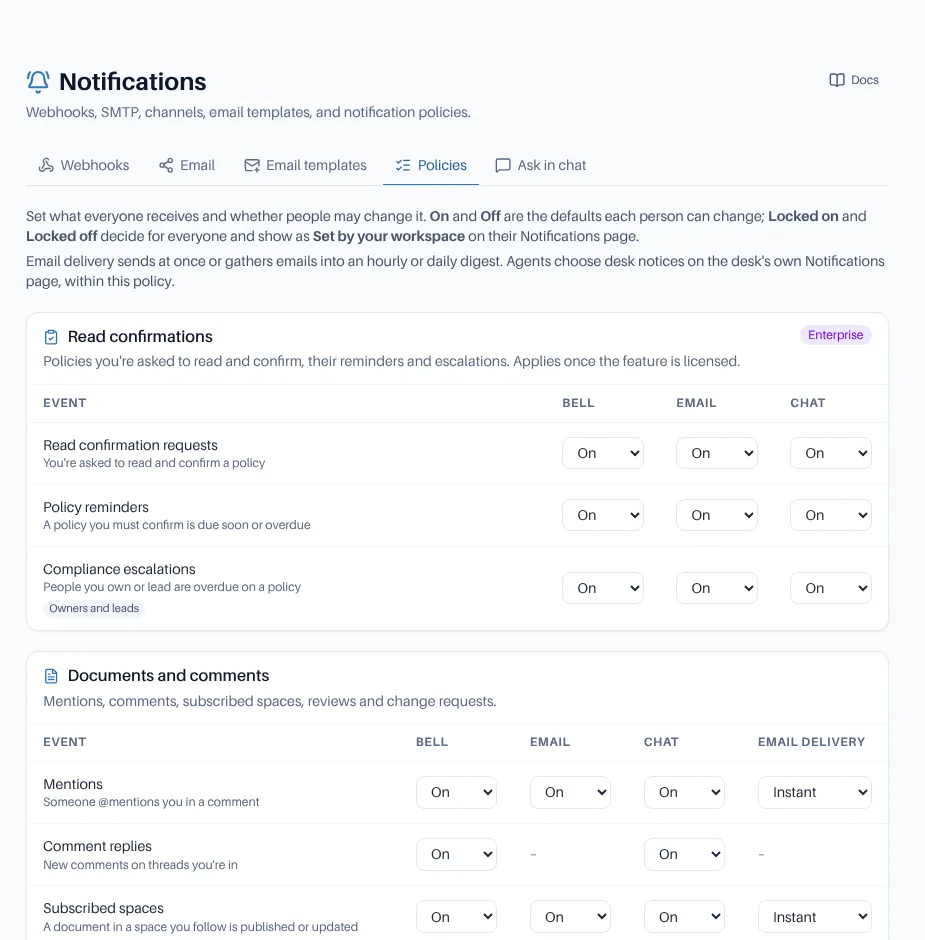
Notification policies: a default per event and channel, locked or left to each person, with instant, hourly or daily email.
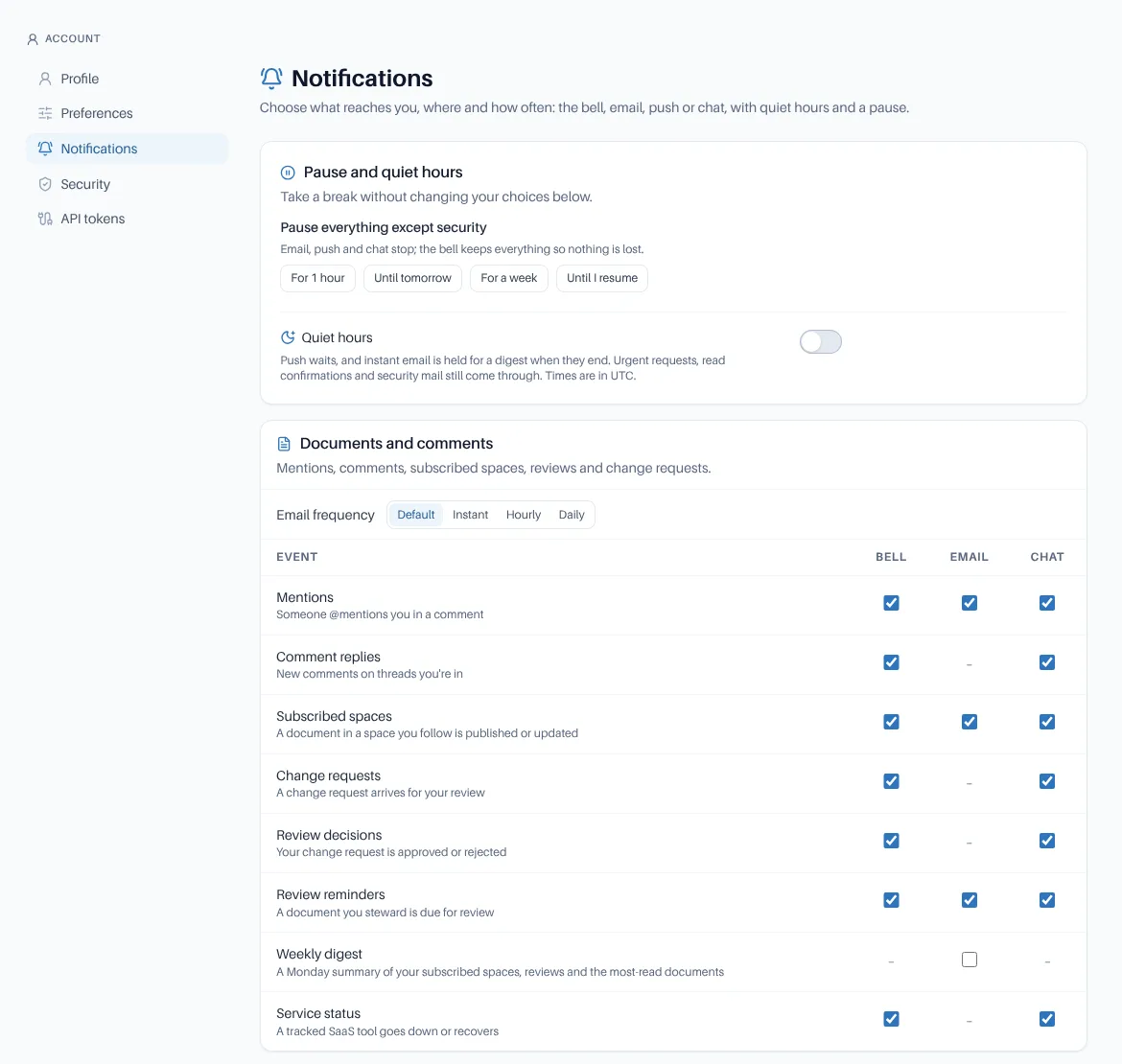
Each person’s own page: a full matrix in sections, email frequency, quiet hours and a pause.
What you get
- Policies per event and channel (bell, email, push, chat): Locked on, Locked off or Person chooses, with every change audited
- Locked choices show as Set by your workspace on each person’s page; people who may only view the policies see them read-only
- Instant, hourly or daily email: a workspace default per event, and each person’s own choice per section
- Hourly and daily digests gather notices into one email per person; they wait for quiet hours, retry a refused send the same day and never send twice
- Read confirmation requests, newsletters, announcements and the weekly digest are never held for a digest
- Pause everything except security for an hour, until tomorrow, a week or until you resume; the bell keeps collecting
- Chat on Webex, Teams, Slack or any webhook, and email when a followed space changes
- Helpdesk events too: Major incident updates to everyone affected, Shared with you, A service your team uses is down, and Event reminders before a room setup is due
In every edition
Policies, personal choices and digests are in Community and Enterprise. Events for Enterprise features (read confirmations, training, the helpdesk) apply once those are licensed.
Quiet hours
Instant email waits and arrives as one digest when quiet hours end. Urgent requests, read confirmations and security mail still come through, and the bell keeps everything.
Agents choose their own
In the helpdesk, agents pick push, email or the bell per desk event and per team, with quiet hours that urgent tickets and SLA breaches can break through, and whether emails in a ticket show formatted or as plain text.
Frequently asked
Do people keep the choices they already made?
Yes. Existing personal choices carry over unchanged when you upgrade, and the workspace policy only overrides what it locks.
Can people turn off security notices?
No. Password and two-factor changes and new sign-in alerts are locked on.
What if preferences can’t be read?
CompassDocs sends only compliance and security mail until they can.
Related: Email templates · Announcements & newsletter · Comments & mentions · Notifications docs
Fewer emails, none missed
Self-host CompassDocs with one Docker command, unlimited users. Notification policies, personal choices and digests are included free.
Get started in 2 minutes See pricingBuying for a team? Get a formal quote to print for approval, or order by invoice with your PO number.